Practical guide
Travel eSIM vs international roaming: choose by your trip, not hype
Compare a travel eSIM with international roaming by itinerary, phone compatibility, home-number needs, data controls, and the exact terms of each plan.
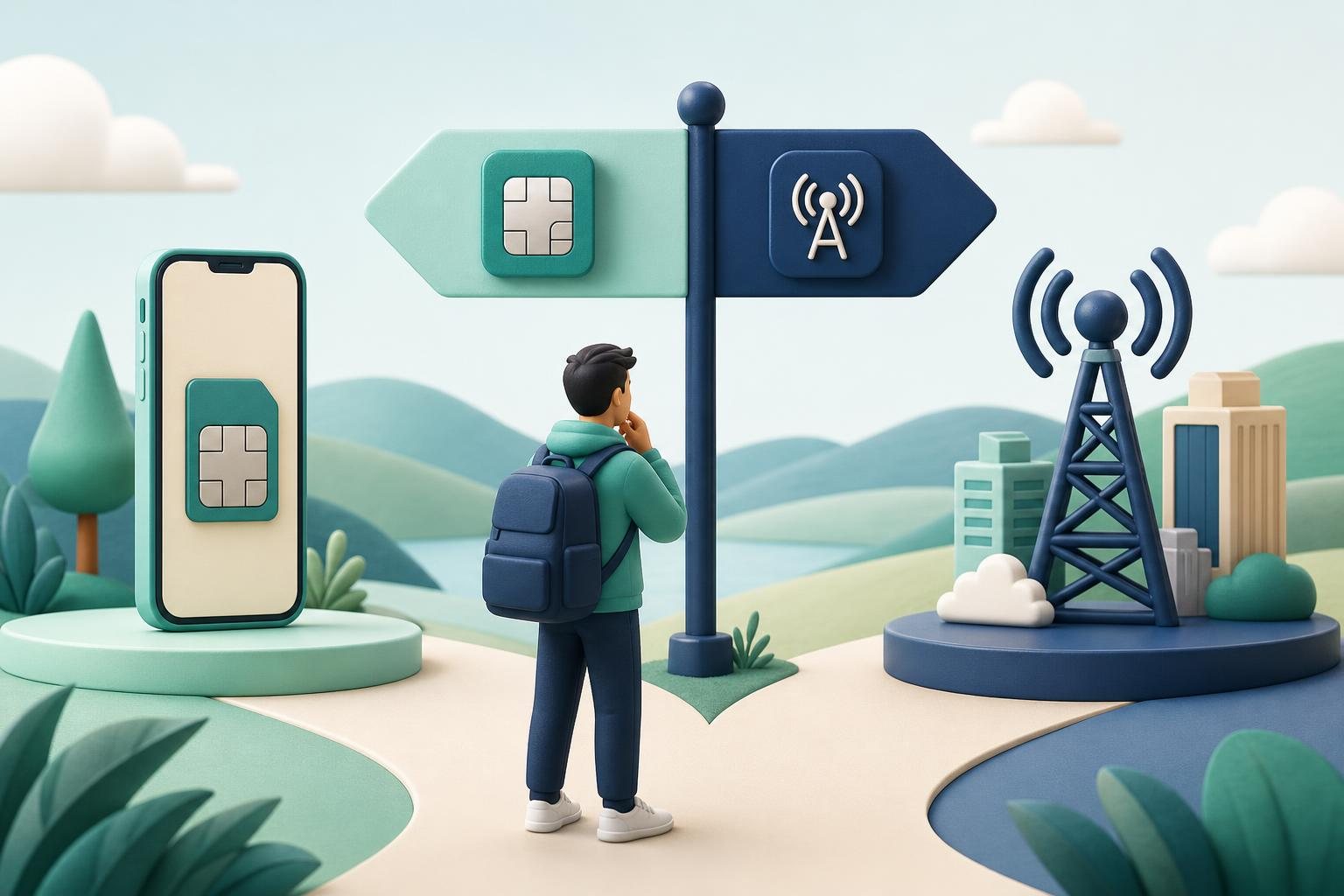
With travel eSIM vs international roaming, there is no universal winner. International roaming can make sense when keeping your usual line matters most and you do not want to manage a second plan. A travel eSIM can make sense when you want a separate mobile plan for the trip, your phone supports eSIM, and it is not locked to one carrier. Apple explicitly presents both routes for international travel: roaming with your existing carrier and buying an eSIM from a local carrier or a worldwide provider. Apple Support
Instead of looking for a winner, answer four practical questions: Do you need to remain reachable on your home number? Which countries are actually on the itinerary? Can your device use another line? And what do the two specific offers include? eSIM plans can differ in data amount, duration, and countries or regions, while home-carrier roaming is governed by your own carrier’s terms. Apple Support
A quick framework for deciding
| Your priority | Check first | Often the practical fit |
|---|---|---|
| Keep one familiar line for calls, texts, and data | Your home carrier’s international terms for every stop | International roaming |
| Separate your home number from trip data | Device unlock status, eSIM support, and the separate plan’s terms | A travel eSIM as a data line or second plan |
| Receive texts on the home number but avoid using it for cellular data | Dual-line settings and possible home-line charges | A home line plus travel eSIM setup |
| Travel across several countries | Each option’s country list, including stopovers | Compare both choices itinerary by itinerary |
| Avoid managing a second line | Whether a suitable roaming plan is available before departure | Roaming, if the terms fit |
This is not a price ranking and it does not promise savings. The better choice depends on your own plan, trip length, route, and real data use. Apple recommends checking before travel whether your carrier includes international roaming in the plan or offers a separate travel pass. Apple Support
The practical difference between the options
International roaming is using your existing line outside your home carrier’s network. On iPhone, roaming with an eSIM works the same way as roaming with a physical SIM. A carrier may include some destinations in the home plan or sell a separate international plan, so an enabled roaming feature is not a substitute for reading the destination-specific terms. Apple Support
A travel eSIM is a digital profile for another mobile plan. Apple says local carriers can offer prepaid or postpaid plans for travelers, and many local plans include a local phone number. It also says worldwide providers offer prepaid plans with different data amounts, durations, and countries or regions, including data-only plans. Do not infer calling, SMS, a phone number, or destination coverage from the words “travel eSIM” alone: check the features of the exact plan you are considering. Apple Support
The value of a two-line arrangement is separation: you can keep a home number active and select another line for cellular data. Supported iPhones can have two active eSIMs, and Apple describes using a travel eSIM either by itself or as a secondary line while abroad. Apple Support The value of roaming is simplicity: you continue with one familiar line if its international terms suit the trip.
Check your phone before comparing plans
Device checks come before package comparisons.
-
eSIM support. Apple lists iPhone XS, XS Max, XR, and later models for travel eSIM use when paired with an eSIM-supporting carrier or worldwide provider. Google defines eSIM as a digital SIM and says Pixel phones can store multiple eSIM profiles. Apple Support Google Pixel Help
-
Carrier unlock status. To use an iPhone with another carrier, it cannot be carrier-locked; Apple says that
No SIM Restrictionsbeside Carrier Lock indicates an unlocked device. Google likewise explains that a phone bought from a carrier may be SIM-locked. Apple Support Google Pixel Help -
Concurrent-line capability. Google says two eSIM profiles can be used at once on Pixel 7 and later only if the carrier allows the feature. Apple’s two-active-eSIM capability also applies to supported iPhone models. Check your exact device version, market, and carrier support rather than assuming that every eSIM-capable phone behaves identically. Google Pixel Help Apple Support
If any one of these points is unresolved, do not buy an eSIM just in case. Get confirmation from the phone seller or your home carrier first.
Compare terms without guessing about price
Create two columns: one for your home carrier’s roaming offer and one for the exact eSIM. Fill in the same fields for each:
- every country and territory on the itinerary, including connections;
- validity period and when that period starts;
- data allowance and the policy after it is used;
- calling, SMS, and number availability if you need them;
- how usage can be monitored;
- whether the international plan can be changed or removed;
- actions on the home line that could still create charges.
The final point matters in a combined setup. Apple warns that when you choose both a travel eSIM and current eSIM on iPhone, roaming fees may still be incurred on the home eSIM. Apple Support
Home-carrier rules can vary substantially. Verizon, for example, says that once TravelPass is enabled, international usage can incur its daily session charge, and disabling TravelPass blocks international usage; its My Verizon app also provides international-usage viewing. That is not a rule for every carrier. It is a reason to read the current rules for your own line. Verizon Support
Estimate data from your own history
Avoid universal claims that a certain number of gigabytes will suit every traveler. Open the cellular-data history on your phone or carrier app, select a comparable period, and use this calculation:
average data used per day × trip days + a reserve you choose
You might choose a larger reserve if you expect more navigation, tethering, or less dependable Wi-Fi. On iPhone, you can check usage in Cellular or Mobile Data settings. Apple also notes that exceeding an international-plan data limit can mean running out of data or seeing slower network speeds. Apple Support
Europe and Türkiye: check each destination, not the label
Do not automatically extend the EU’s “roam like at home” rules to every SIM or to the whole European continent. The EU’s official consumer guidance describes the framework for periodic travel from the country of a mobile subscription to another EU country. It also applies in Iceland, Liechtenstein, Norway, Moldova, and Ukraine. Some plans can have fair-use limits on data. Your Europe
For an itinerary combining Türkiye with EU or EEA destinations, inspect the country list for every option separately. The EU guidance says that other countries are not automatically covered by the regime, although operators can choose to extend their offers. A regional label such as “Europe” is therefore not enough; use the plan’s written destination list. Your Europe
Also account for flights and sea crossings. EU roaming rules apply to terrestrial networks; connecting to a satellite-based network on a ship or aircraft can mean non-regulated charges. Your Europe
Use a two-line setup deliberately
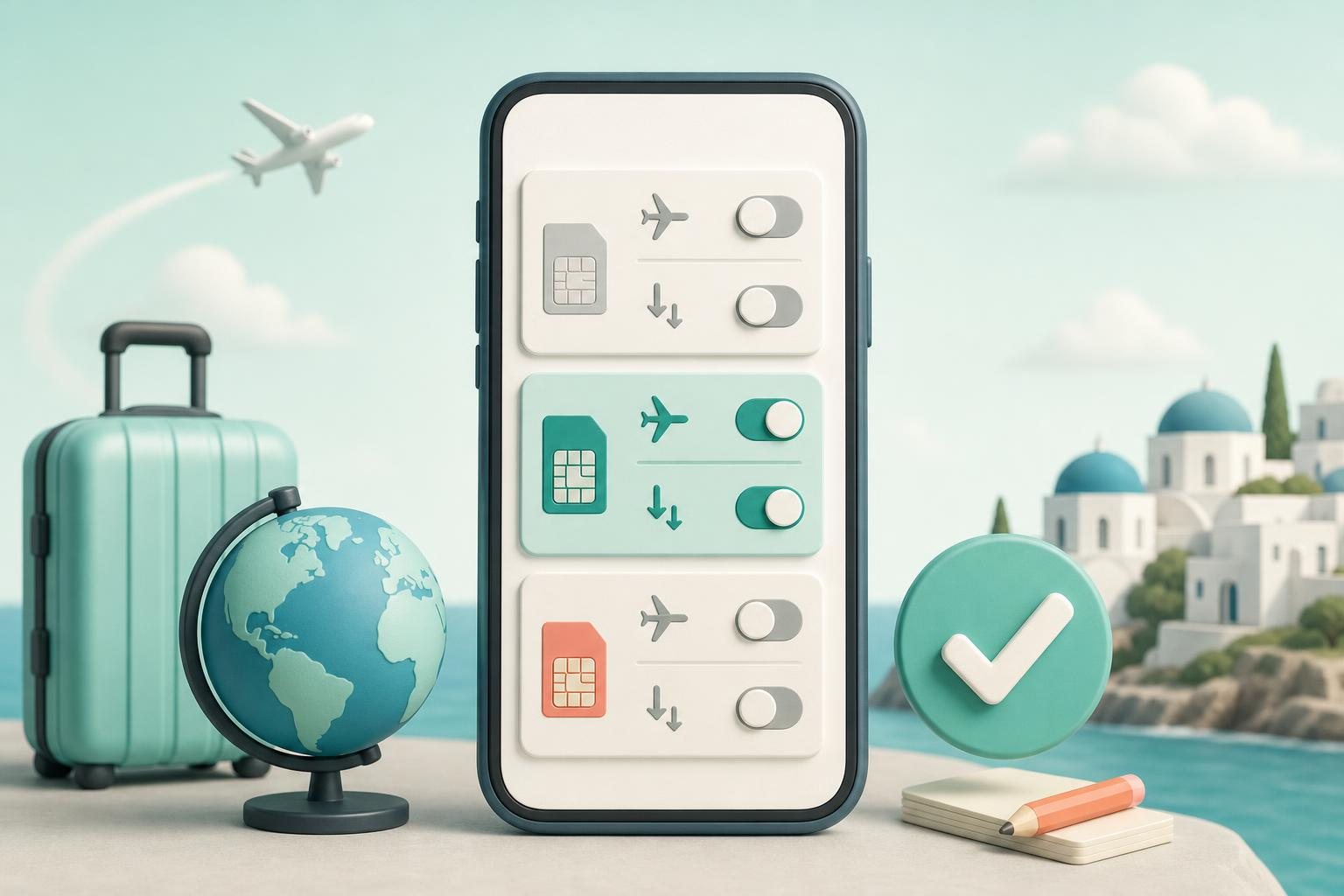
If you use a travel eSIM beside your home line, decide in advance which line will handle cellular data. On iPhone, this is selected in Settings → Cellular → Cellular Data. Apple also describes a mode in which the travel eSIM is used for data while the home line remains active. Apple Support
Before departure, verify the following:
- your home carrier confirms the roaming terms for the route;
- the phone is unlocked if the eSIM is from another carrier;
- the chosen eSIM matches the countries and trip duration;
- the intended data line is selected deliberately;
- Data Roaming on the home line reflects your decision and the carrier’s terms;
- you have Wi-Fi access and support contacts available if you need help.
Apple documents separate Data Roaming settings for a single SIM/eSIM and for Dual SIM or Dual eSIM devices, and advises turning on the settings recommended by the carrier. Apple Support
Bottom line: choose the scenario, not the technology
Start with roaming when one line is your priority and your carrier’s terms are clear for the whole trip. Compare a separate eSIM when the phone is compatible and unlocked and separating trip data into another plan would help. A hybrid arrangement can preserve your home number, but it still requires deliberate settings and does not eliminate possible home-line charges. Apple Support
The strongest decision is one where you can confirm four things before buying: phone compatibility, each destination, the plan’s included services, and the rules for data use. If any of those remains unclear, ask the carrier or eSIM provider before you travel.
For your route
Related destinations
Sources
References used for this guide
Plan and device conditions can vary. Check the exact plan page and device-maker documentation before purchase.
- Apple Support — Use eSIM while traveling internationally with your iPhone
- Apple Support — About cellular data roaming options for your iPhone and iPad
- Google Pixel Help — Learn more about eSIMs
- Google Pixel Help — Use your Pixel phone with any mobile carrier
- Your Europe — Roaming: Using a mobile phone in the EU
- Verizon Support — Manage International Plan and View Usage
Keep reading
Related guides

Local vs regional travel eSIM: choose coverage for your route
Compare local and regional travel eSIM options by listing every country, transit stop, and border crossing before comparing plan terms.
Should data roaming be on for a travel eSIM? Check each line’s settings
Learn how to decide whether to enable data roaming for a travel eSIM, select it for mobile data, and check your primary SIM separately on iPhone or Pixel.
How Much Data Do I Need for Travel? Calculate It From Your Actual Usage
A practical way to estimate travel data: measure app usage, multiply it by trip length, add a deliberate reserve, and account for maps, messaging, video, remote work, and hotspot use.