Practical guide
how to check if a phone supports eSIM: EID, carrier lock, and regional variants
Check your EID, exact model, regional variant, and carrier lock before buying a travel eSIM.
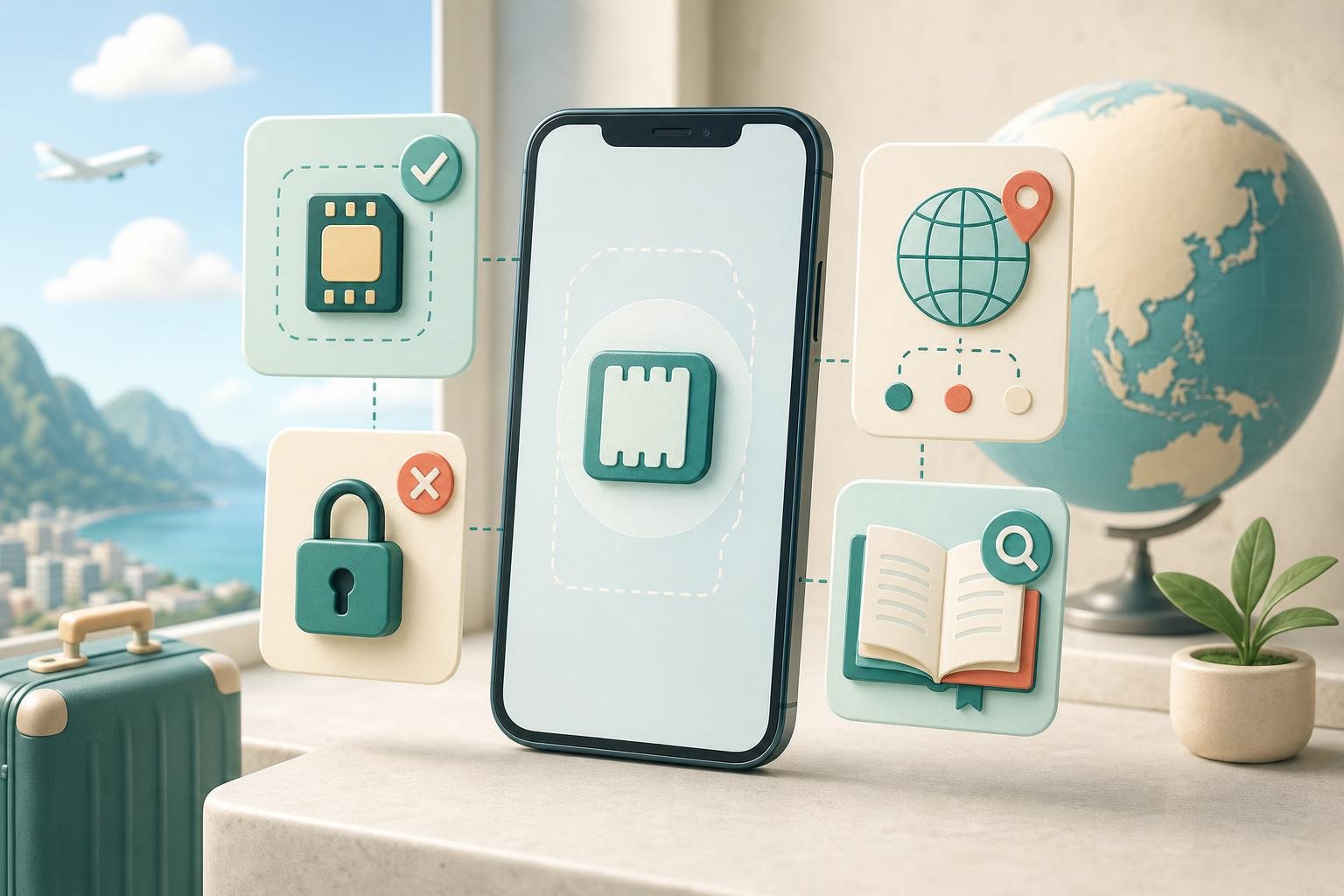
The reliable way to check eSIM support is to verify more than the phone’s marketing name. Before buying a travel eSIM, confirm that the handset has an EID, identify its exact regional model, check for a carrier lock, and make sure the eSIM provider accepts that device. A physical-SIM tray or the presence of two IMEI numbers is not, by itself, a final compatibility check.
The quick answer: a five-point eSIM check
Work through this list before paying for a plan:
- Your settings show an EID, the identifier associated with the embedded eSIM. Google states that a phone needs an EID to use eSIM. Google Pixel Help
- You know the exact model number and country or region of purchase, then have checked the manufacturer’s documentation for that version.
- The phone is not carrier-locked, or your carrier has confirmed that it can be used with another provider.
- The eSIM provider does not list a restriction for your model, its regional variant, or the intended network.
- You have retained a safe way to contact support if needed; IMEI and EID should not be posted publicly or sent to unknown parties.
An EID is a strong sign that the device contains eSIM hardware. It is not a promise that every eSIM profile will install or work. A carrier lock, a regional device variant, and the policy of the relevant provider can still affect the result.
EID, IMEI, and model number do different jobs
| Identifier | Why it matters | What it does not prove |
|---|---|---|
| EID | Identifies the embedded eSIM; an operator may request it when issuing or activating a profile | That the phone is unlocked or accepted by every plan |
| IMEI | Identifies the cellular device; an operator may ask for IMEI or IMEI 2 | That eSIM hardware is present |
| Model number / SKU | Identifies the device’s regional version for comparison with manufacturer specifications | Whether a carrier has unlocked the phone |
Google draws the distinction explicitly: a phone needs an IMEI for mobile-network use and also needs an EID for eSIM; when setting up service, an operator may request IMEI 1, IMEI 2, or EID. Google Pixel Help In other words, “my phone has an IMEI” is not evidence that it supports eSIM. Samsung likewise says a carrier may ask for the EID when a plan has been pre-assigned to the device. Samsung Support
Do not publish your EID or IMEI in a review, social post, or public chat. For an initial compatibility question, the exact model, purchase region, and software version are normally more useful. Share the identifiers only with a legitimate carrier or provider through its official channel when it explains why they are needed.
Check EID and carrier lock on an iPhone
On iPhone, open Settings → General → About and look for the EID. Apple gives this same path when asking customers to collect an iPhone’s EID or IMEI for eSIM troubleshooting. Apple Support If an EID appears, record it only if a provider requests it, then use the same About page to identify your device model.
Next, inspect the carrier-lock field in Settings → General → About. Apple says that an unlocked iPhone shows “No SIM restrictions” next to Carrier Lock. Only the current carrier can unlock an iPhone for use with another provider; Apple cannot perform that unlock. Apple Support
That distinction matters for a travel eSIM. An iPhone can have an EID yet remain restricted to its home carrier. Do not assume that a digital plan from another provider will work until the carrier confirms the phone is unlocked. Carrier locking is also separate from a SIM PIN and from the phone’s screen passcode.
Why the iPhone’s regional model matters
The same iPhone name can represent different SIM configurations in different places. Apple’s SIM-type documentation is organized around models and regions, and it identifies special cases for devices associated with China mainland, Hong Kong, and Macao. Apple Support Apple also publishes separate eSIM eligibility and activation requirements for China mainland. Apple Support
So do not stop at “I have an iPhone 14” or “I have an iPhone 16.” Open About, tap the part number to reveal the model number, and compare that model with Apple’s documentation for the relevant market. Apple describes this model-identification process in its China-mainland eSIM guidance. Apple Support
Find EID on a Google Pixel
For Pixel, Google’s documented path is Settings → About phone → SIM status → EID. You can also find IMEI information through the About-phone settings. Google Pixel Help
Then confirm the compatibility of the specific generation and sales variant—not merely the Pixel brand. Google says eSIM capability can depend on both the phone and the mobile operator. Its official compatibility guidance includes historical exceptions; for example, certain Pixel 3a phones bought with Verizon service or in Japan do not work with eSIM. Google Pixel Help
That is why “it is a Pixel” is incomplete information. If the phone was bought from a carrier, ask that carrier whether the device is unlocked for another provider’s eSIM and whether there are IMEI-based restrictions. For phones not bought from a carrier, Google similarly advises contacting the carrier to confirm eSIM support and the relevant device identifier. Google Pixel Help
Check eSIM support on Samsung Galaxy and other Android phones
On a Galaxy phone, Samsung documents this route: Settings → Connections → SIM manager → Add eSIM. Samsung’s instructions use that menu for adding an eSIM and for scanning a carrier-provided QR code. Samsung Support To locate EID, Samsung points to Settings → About phone → Status; the EID may also appear on the phone’s box. Samsung Support
Do not interpret a different menu on another Galaxy as proof of a fault. Features can vary by model, software, and device origin. Samsung specifically notes that eSIM may not be supported depending on the country of origin. Samsung Support For that reason, compare the complete model number from About phone with Samsung’s official material for your market, then check any device requirements with the travel-eSIM provider.
For another Android brand, do not rely on Pixel or Samsung steps. Use the manufacturer’s documentation for the precise model and verify two separate points: whether the device has an EID and whether its settings include an eSIM-addition function. If the manufacturer does not confirm eSIM for your regional version, do not buy a plan expecting a QR code to add missing hardware or a disabled feature.
What to ask the carrier and eSIM provider
Hardware support is only the first layer. Before you buy, ask concise questions with answers that can be checked:
- Does the provider support my exact model and regional version?
- Must the phone be carrier-unlocked?
- Does the provider require prior confirmation of IMEI or EID?
- Which setup method is supplied for this particular plan?
- If it matters for the itinerary, which destinations and networks are included?
Do not infer 5G access, service in every location, or the ability to reinstall a profile merely because the phone supports eSIM. Device compatibility means the handset can use eSIM technology. The details of a particular plan and the network available at a location are determined by that plan’s provider.
If you cannot find EID or the phone is locked
No EID appears. First install an available system update if the manufacturer recommends one, then check the official documentation for the exact model. Do not substitute a search result for a similarly named phone. If the manufacturer does not confirm eSIM for that version, choose a physical SIM or another connectivity option.
EID appears, but there is no Add eSIM option. Recheck the regional model, software version, and carrier restrictions. If the device came from a carrier, obtain its answer before purchasing a travel eSIM.
Your iPhone shows a carrier restriction. Contact the current carrier. Apple states that the carrier—not Apple—controls the unlock process. Apple Support
A provider requests IMEI or EID. Provide it only through the provider’s official secure process and only when it is necessary for eligibility or activation. Do not send a broad screenshot containing every device identifier if one requested value is enough.
FAQ
Does finding an EID guarantee that a travel eSIM will work?
No. It demonstrates an eSIM identifier, but it does not override carrier locking, regional-model limitations, or the requirements of the eSIM provider.
Can I confirm eSIM support from two IMEI numbers?
No. Two IMEIs can identify two SIM interfaces, but Google identifies EID separately as the identifier needed for eSIM. Look for EID and verify the exact model. Google Pixel Help
Must I remove my home SIM to check eSIM compatibility?
No. You can do the preliminary check from device information and carrier-lock status. Keep an active home SIM in place and do not begin installing a new profile until compatibility is confirmed.
What should I send to support if I am uncertain?
Provide the brand, exact generation, model number, purchase country or region, carrier-lock status, and whether an EID appears. That gives support enough information for a meaningful check without disclosing unnecessary personal identifiers.
Sources
References used for this guide
Plan and device conditions can vary. Check the exact plan page and device-maker documentation before purchase.